

Beschreibung
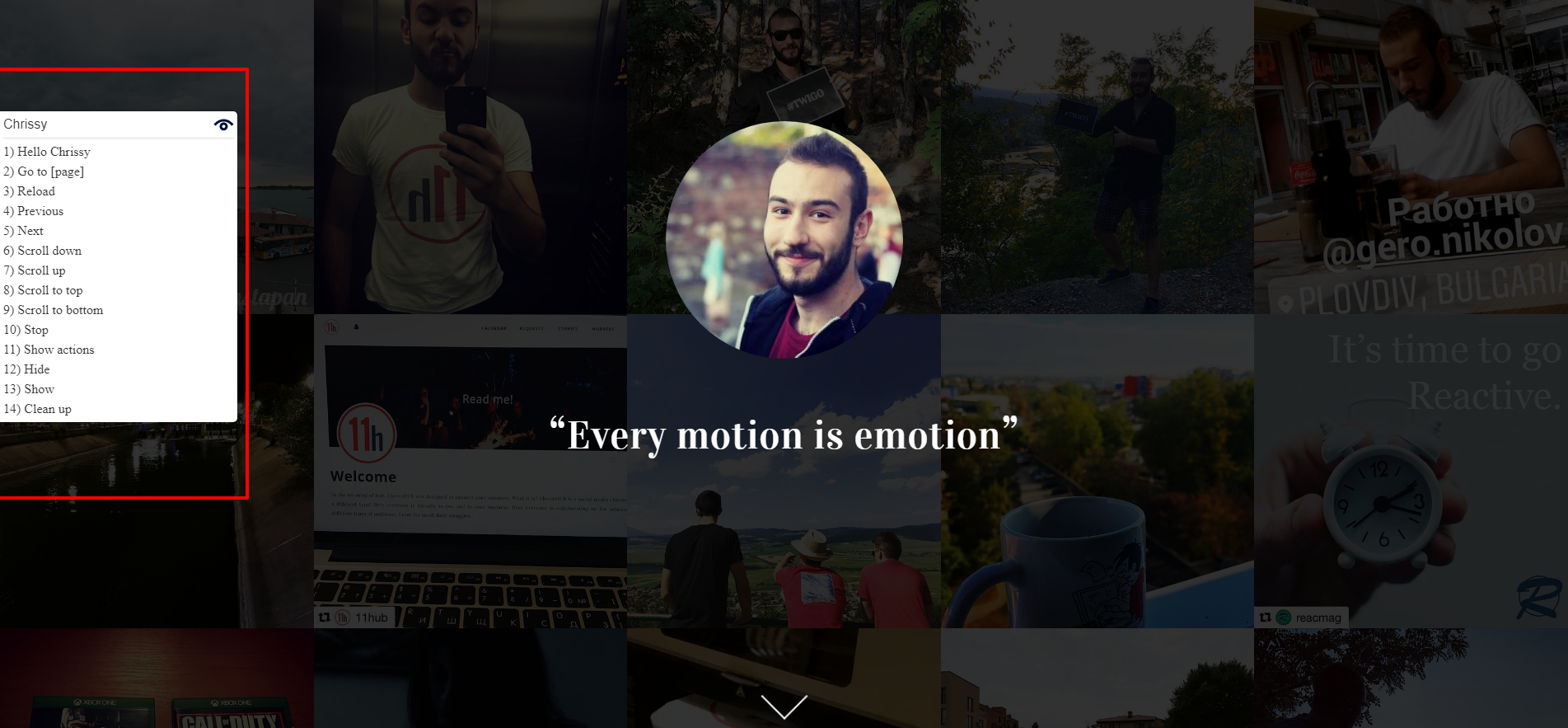
Chrissy will make your website more interactive!
She will provide your visitors with the ability to just mention the name of the page which they want to visit from the menu and she’ll bring them there.
Example: Go to Blog
Using the Google Speech Recognition API to catch precisely the User Voice Input, Chrissy is the first Voice Driven Navigagor in the WordPress world!
Of course she knows that not all of the browsers support the Speech Recognition API, so she’ll relieve her self only to visitors who are using Chrome and Chrome on Android.
And since Chrissy is one great thing, I would like to tell you that you can join the contribution and make it greater with your ideas using the links from bellow ⬇️
Try live demo at GeroNikolov.com or
Join the contributions!
Screenshots



Installation
This section describes how to install the plugin and get it working.
e.g.
- Upload the plugin files to the
/wp-content/plugins/plugin-namedirectory, or install the plugin through the WordPress plugins screen directly. - Activate the plugin through the ‚Plugins‘ screen in WordPress
- Use the Settings->Plugin Name screen to configure the plugin
- (Make your instructions match the desired user flow for activating and installing your plugin. Include any steps that might be needed for explanatory purposes)
Rezensionen
Zu diesem Plugin liegen noch keine Rezensionen vor.
Mitwirkende und Entwickler
„Chrissy“ ist Open-Source-Software. Folgende Menschen haben an diesem Plugin mitgewirkt:
Mitwirkende
Übersetze „Chrissy“ in deine Sprache.
Interessiert an der Entwicklung?
Durchstöbere den Code, sieh dir das SVN-Repository an oder abonniere das Entwicklungsprotokoll per RSS.