Beschreibung
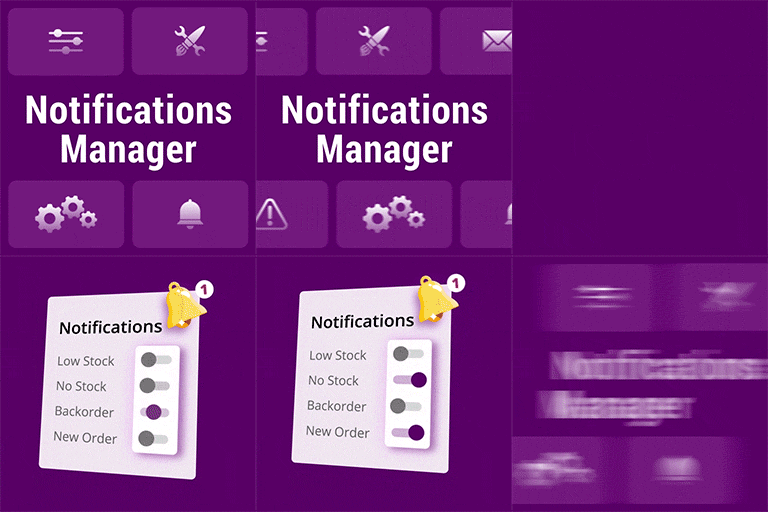
With this plugin, you will choose which email notifications you want to disable on WooCommerce.
🔥 SOME OF OUR FREE PLUGINS
If you like this plugin, then consider checking out our other free plugins:
Show Stock for WooCommerce
Order Status Control for WooCommerce
Preorder for WooCommerce – Ultimate Preorders Plugin for WooCommerce.
Screenshots

Installation
- Upload the folder
woo-disable-email-notificationsto the/wp-content/plugins/directory - Activate the plugin through the ‚Plugins‘ menu in WordPress
- Now click right there on „settings“ of the plugin you just activated, or go to the menu „Bright Plugins“
to the option „Woocommerce – Email Notifications Settings“, and configure the plugin as you want to do it - That’s it!
Rezensionen

7. Dezember 2023
The only thing that doesnt make this a 5 star plugin is that it doesnt support Woocommerce HPOS yet

3. Juni 2019
Support team sorted out all my issues and directed me on the right path. Thank you

20. Mai 2019
Thank you for making a great plugin.

22. April 2019
So far so good. It works and is robust.

18. Februar 2019
Thank you for providing and maintaining it for free.

31. Januar 2019
Thank you so much for this, really appreciate your work.
Mitwirkende & Entwickler
„Disable Email Notifications for WooCommerce“ ist Open-Source-Software. Folgende Menschen haben an diesem Plugin mitgewirkt:
Mitwirkende


Übersetze „Disable Email Notifications for WooCommerce“ in deine Sprache.
Interessiert an der Entwicklung?
Durchstöbere den Code, sieh dir das SVN Repository an oder abonniere das Entwicklungsprotokoll per RSS.
Änderungsprotokoll
1.0.2 – 6 Dec 2023
- Update Settings Plugin
- Support for WordPress 6.4.1
- Support for WooCommerce 8.3.1
1.0.1 – 14 Dec 2022
- Support for WordPress 6.1.1
- Support for WooCommerce 7.2.0