

Beschreibung
Findit Post Search and Filter is a lightweight and intuitive WordPress plugin that lets users quickly search and filter posts by tags and categories, enhancing the default WordPress search experience.
Features:
– AJAX-powered search (no page reloads)
– Only searches posts (post post type)
– Filters by category and tag using AND logic
– Supports search by title and content only (not taxonomy)
– Highlights matching keywords in search results
– „Load More“ button to paginate results (9 posts at a time)
– Responsive grid layout: 3 columns on desktop, 1 column on tablet/mobile
Use the shortcode [findit_post_filter_search] to place the search box and filters anywhere on your site.
License
This plugin is licensed under the GPLv2 or later.
Screenshots
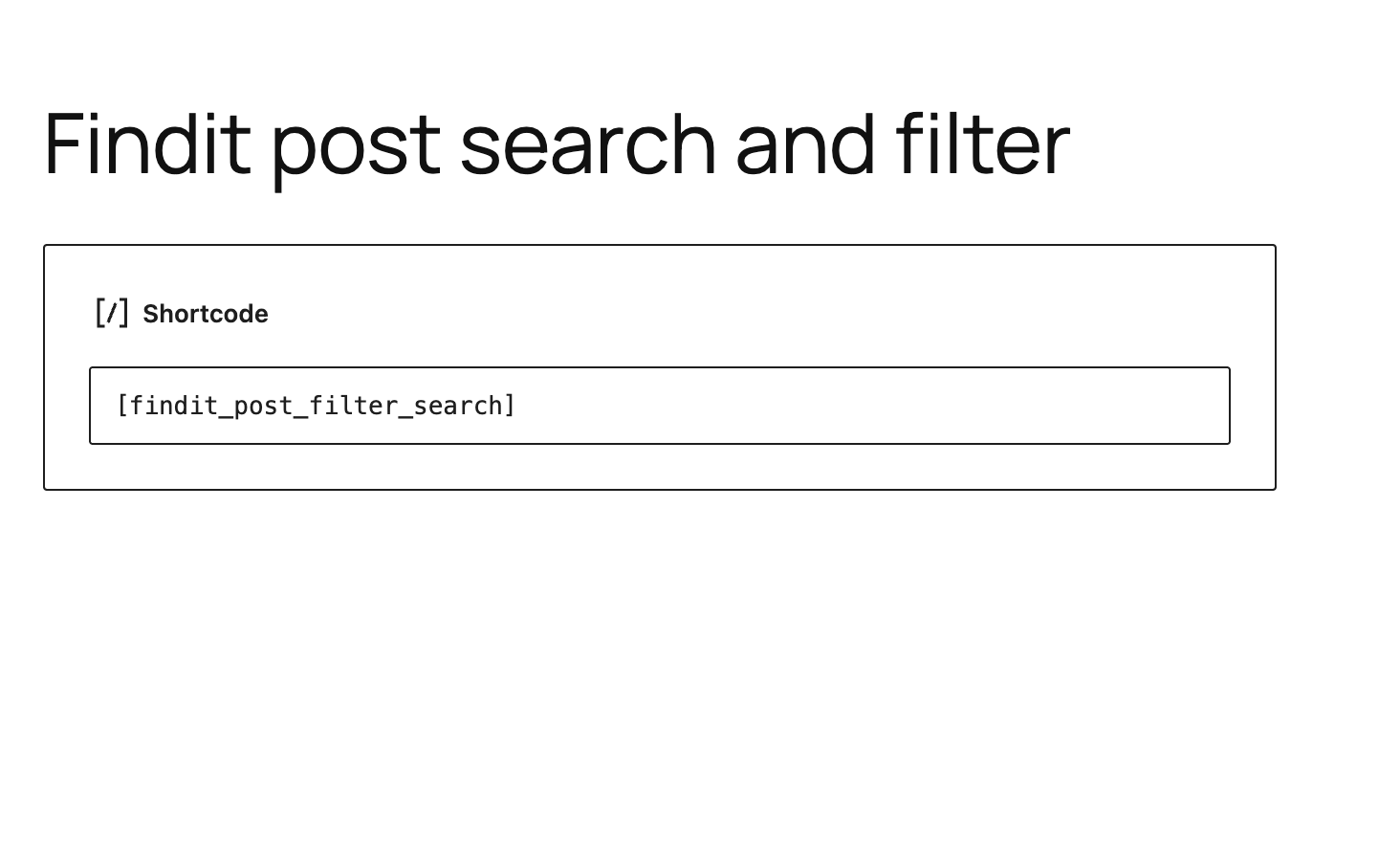
Search form with category and tag filters 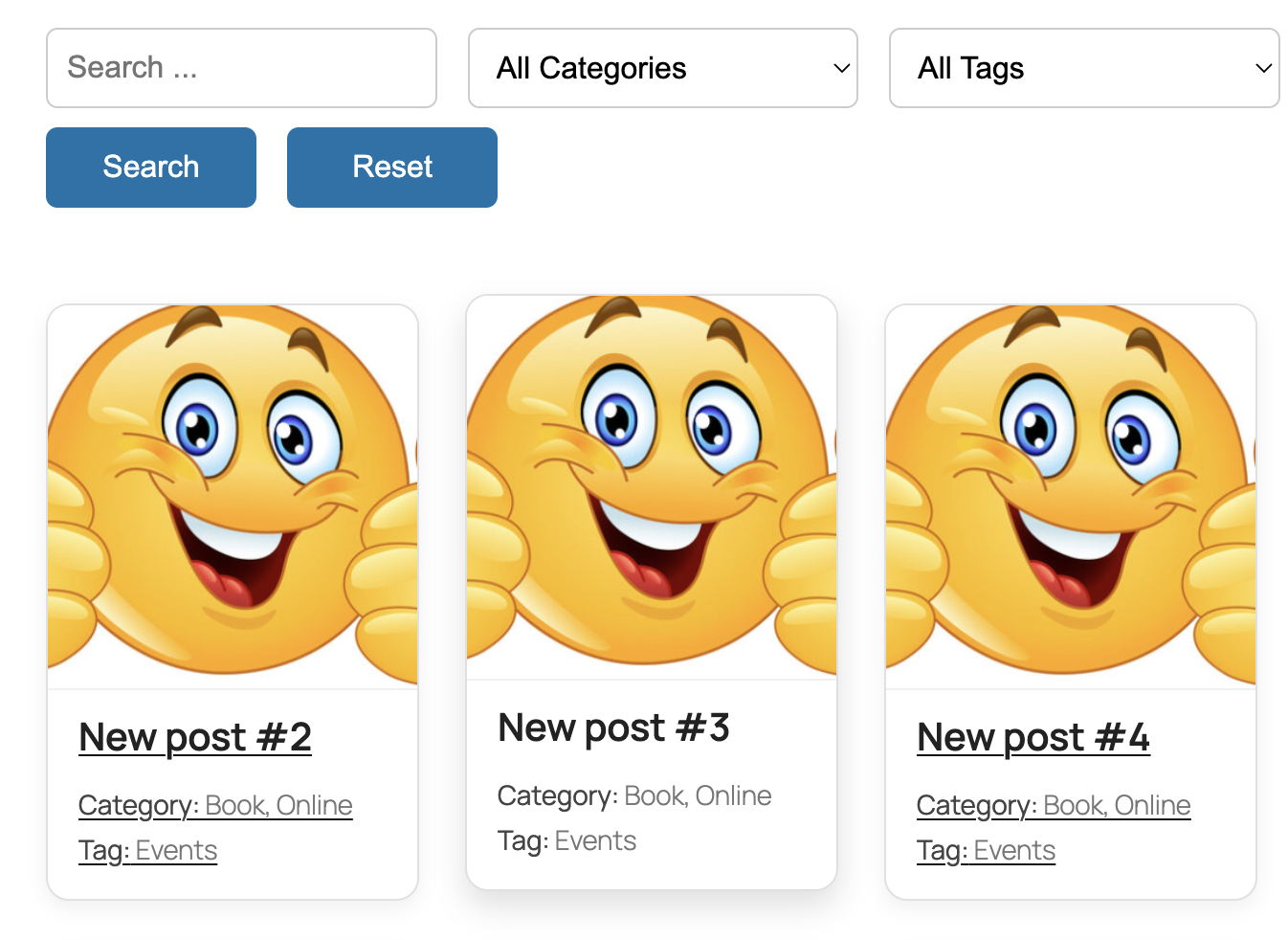
AJAX results with keyword highlights
Installation
- Upload the plugin to
/wp-content/plugins/findit-post-search-and-filterdirectory or install it via the WordPress admin dashboard. - Activate the plugin through the ‘Plugins’ menu.
- Add
[findit_post_filter_search]shortcode to any page or post.
FAQ
-
What does the plugin search?
-
Only standard WordPress posts. It searches the title and content fields.
-
Can I search custom post types?
-
Not at this time. Support for custom post types may be added in a future version.
-
No, but you can filter results by category and tag using the dropdown filters. The plugin uses AND logic when both filters are applied.
-
Can I customize the search result layout?
-
Yes, you can override the plugin’s CSS or template markup in your theme.
Rezensionen
Für dieses Plugin gibt es keine Rezensionen.
Mitwirkende und Entwickler
„Findit Post Search and Filter“ ist Open-Source-Software. Folgende Menschen haben an diesem Plugin mitgewirkt:
Mitwirkende
Übersetze „Findit Post Search and Filter“ in deine Sprache.
Interessiert an der Entwicklung?
Durchstöbere den Code, sieh dir das SVN-Repository an oder abonniere das Entwicklungsprotokoll per RSS.
Änderungsprotokoll
1.0.0
- Initial release with:
- AJAX post search
- AND-based category and tag filtering
- Keyword highlighting
- Load More button (9 posts per page)