
Beschreibung
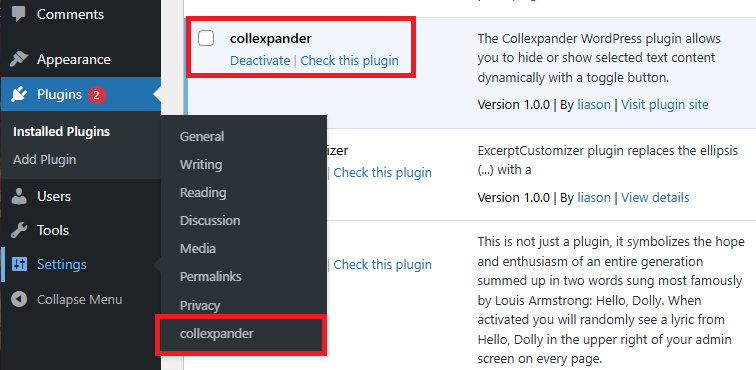
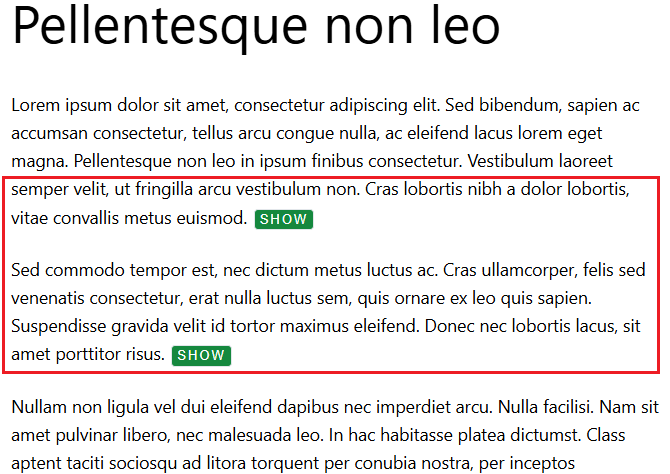
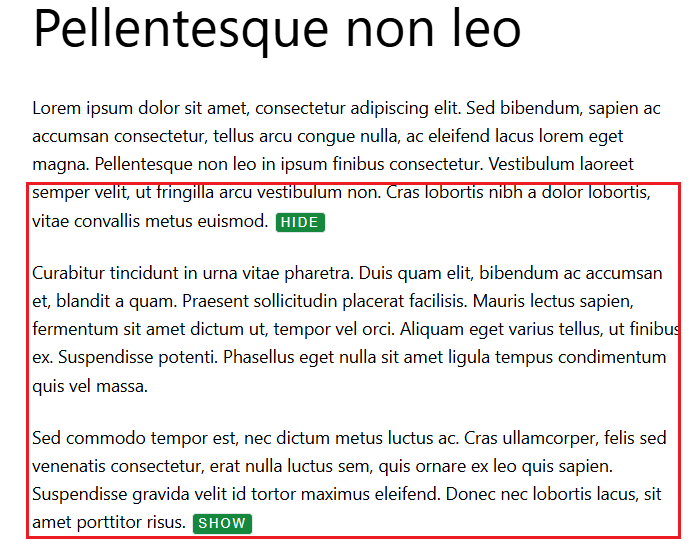
The Collexpander WordPress plugin allows you to hide or show selected text content dynamically with a toggle button.
It’s useful when you want to display long descriptions, FAQs, technical documentation, or additional product details without overwhelming the reader.
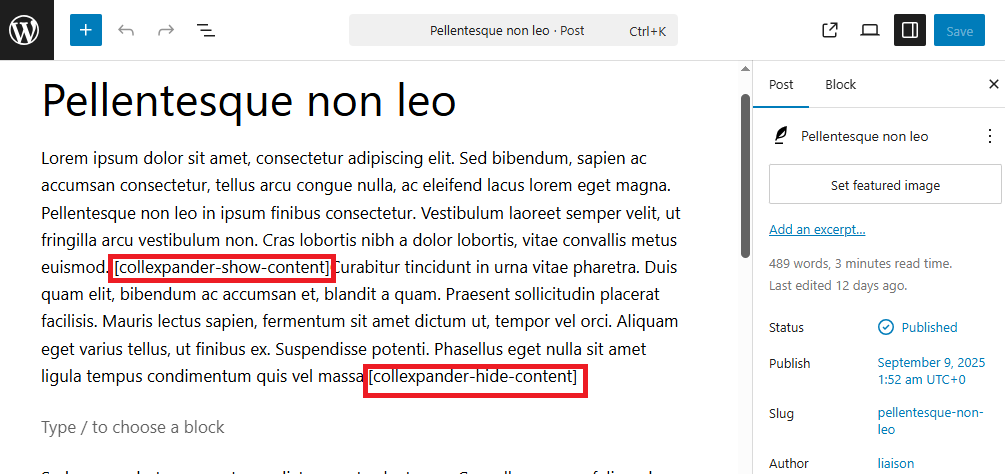
Simply insert the shortcode pair in your post or page:
[collexpander-show-content]
[collexpander-hide-content]
Everything placed between the two shortcodes will be initially hidden, and can be expanded or collapsed when the visitor clicks the toggle button.
The plugin includes three customizable button styles (default, outline, and minimal) and two button text options (e.g., “Show” / “Hide” or “More” / “Less”).
You can also easily adjust button labels, colors.
This plugin helps improve content readability and provides a clean, user-friendly experience — ideal for blogs, product pages, FAQs, and educational content where text organization and clarity matter.
Screenshots

Installation
For an automatic installation through WordPress: 1. Select Add New from the WordPress Plugins menu in the admin area. 2. Search for ‚collexpander‘. 3. Click Install Now, then Activate Plugin.
For manual installation via FTP: 1. Upload the ‚collexpander‘ folder to the ‚/wp-content/plugins/‘ directory. 2. Activate the plugin from the ‚Plugins‘ screen or ‚Installed Plugins‘ menu in WordPress Dashboard.
Rezensionen
Zu diesem Plugin liegen noch keine Rezensionen vor.
Mitwirkende und Entwickler
„collexpander“ ist Open-Source-Software. Folgende Menschen haben an diesem Plugin mitgewirkt:
Mitwirkende
Übersetze „collexpander“ in deine Sprache.
Interessiert an der Entwicklung?
Durchstöbere den Code, sieh dir das SVN-Repository an oder abonniere das Entwicklungsprotokoll per RSS.
Änderungsprotokoll
1.0.0
- First release