

Beschreibung
It’s pretty easy to receive payments with FreedomPay Payments Provider.
International payment service for online business
Increase your profits with high-conversion payments. We will set up a convenient payment acceptance for your customers, and you can focus on developing your business!
External services
This plugin connects to an API to create payment requests. It’s necessary for the payment system to work.
It sends the payment request information, such as the cart data, payment amount, user’s IP every time the payment is created
(when user clicks on „Pay“ button), if the user’s IP is not available, sends empty string.
This service is provided by „Freedom Pay LLP“: terms of use, privacy policy.
Screenshots
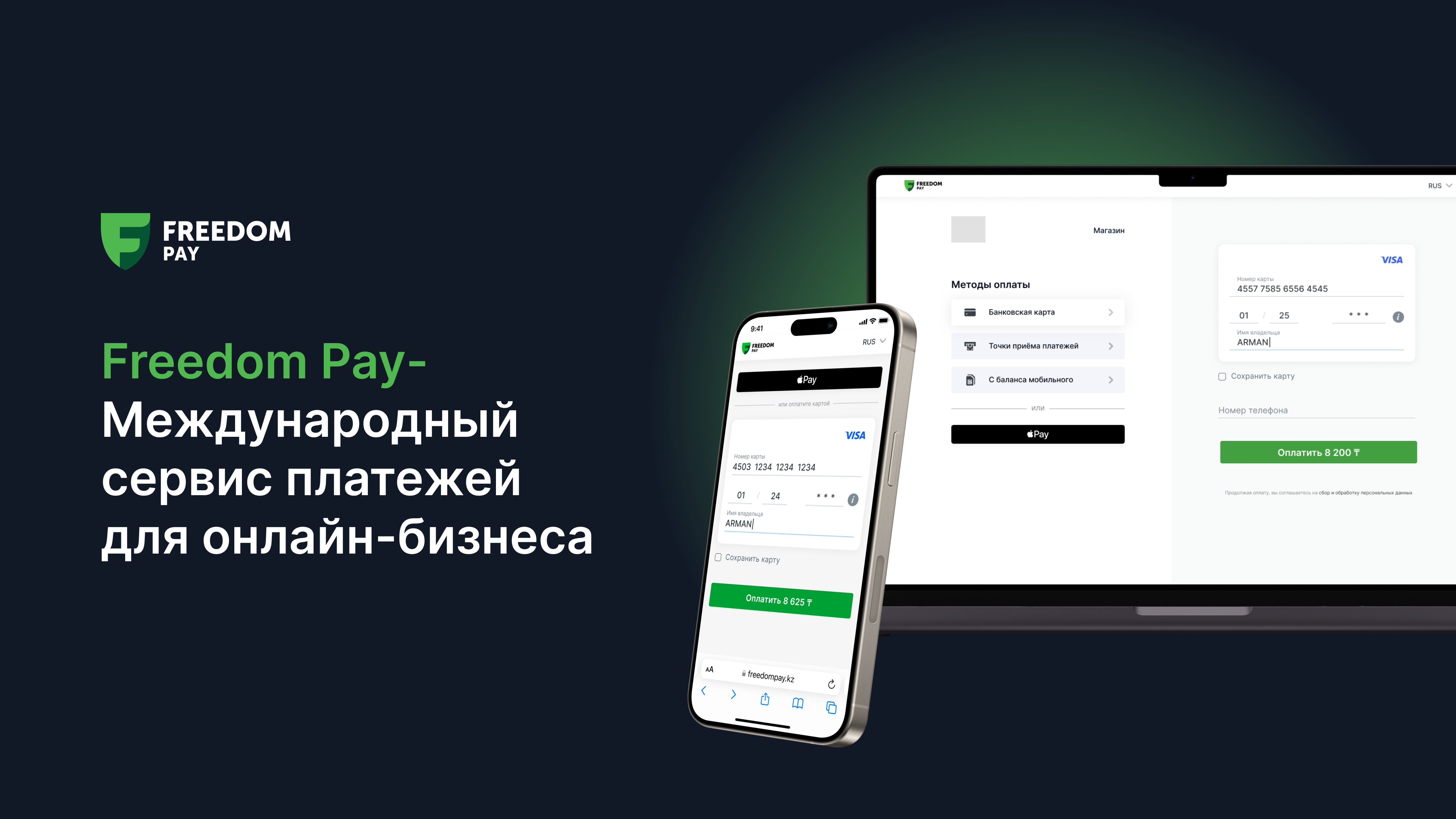
FreedomPay – International payment service for online business 
FreedomPay – International payment service for online business
Installation
These steps should be made for module’s correct work:
-
Sign documents with FreedomPay. To access the FreedomPay personal account, you need to fill a request form on the official FreedomPay website.
-
Install and adjust the module. You can find the settings of this plugin in the „plugins“ page of the admins‘ console, or in WooCommerce settings page.
Next steps presume you already have WooCommerce module installed on your website.
- Module’s installation. Choose „Plugins Add new“ in admins‘ console, press „Upload Plugin“ button, choose zip-archive with plugin and then press „Install“ button.
- Adjustment. Choose „WooCommerce Settings“ in admins‘ console and proceed to „Payments“ tab. Choose „FreedomPay“ in the payment gateways list and proceed to settings.
Fill in „Merchant ID“ and „Secret Key“ – these values can be found in https://my.freedompay.money. You can leave the rest settings as they go. - After saving your settings, you will have FreedomPay payments available on your website.
FAQ
Nothing here yet.
Rezensionen
Für dieses Plugin gibt es keine Rezensionen.
Mitwirkende und Entwickler
„FreedomPay“ ist Open-Source-Software. Folgende Menschen haben an diesem Plugin mitgewirkt:
Mitwirkende
„FreedomPay“ wurde in 1 Sprache übersetzt. Danke an die Übersetzer für ihre Mitwirkung.
Übersetze „FreedomPay“ in deine Sprache.
Interessiert an der Entwicklung?
Durchstöbere den Code, sieh dir das SVN-Repository an oder abonniere das Entwicklungsprotokoll per RSS.
Änderungsprotokoll
1.9.18-1.9.19 – Fixed minor issues, including FDO in Kazakhstan and Uzbekistan