
Beschreibung
Site Kit is the official WordPress plugin from Google for insights about how people find and use your site. Site Kit is the one-stop solution to deploy, manage, and get insights from critical Google tools to make the site successful on the web. It provides authoritative, up-to-date insights from multiple Google products directly on the WordPress dashboard for easy access, all for free.
Bringt die besten Google-Dienste zu WordPress
Site Kit enthält leistungsstarke Funktionen, die die Verwendung dieser Google-Produkte nahtlos und flexibel machen:
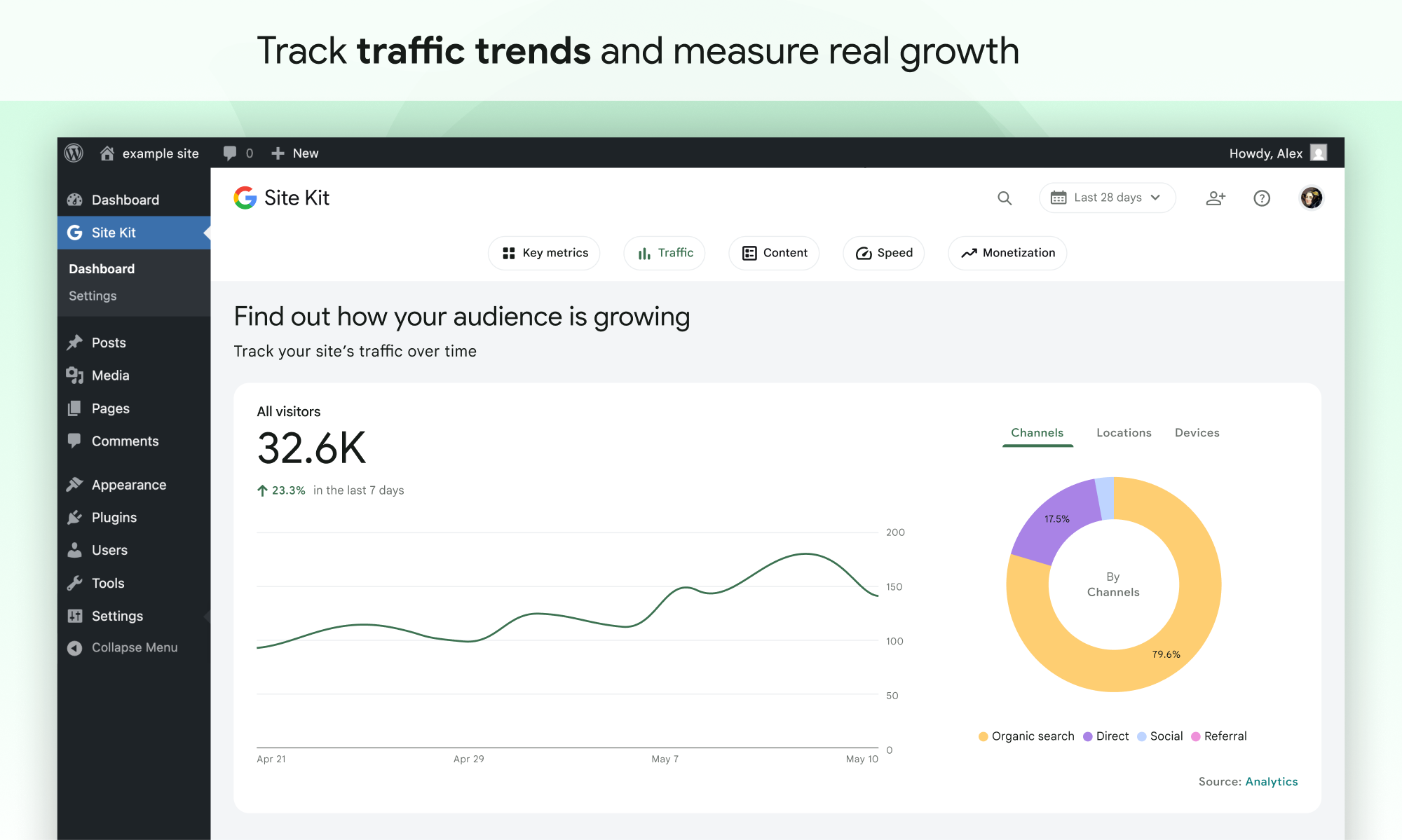
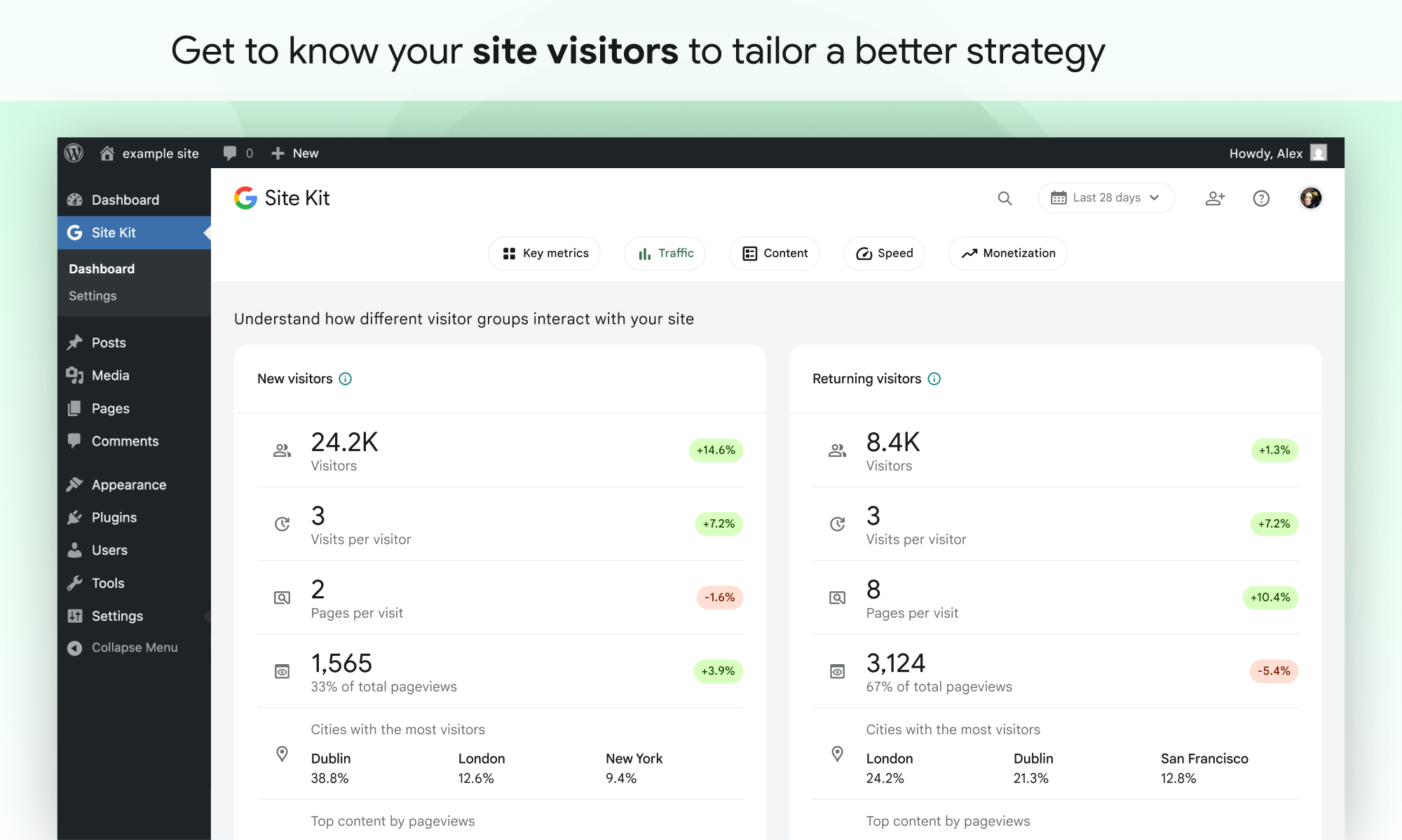
- Easy-to-understand stats directly on your WordPress dashboard
- Offizielle Statistiken verschiedener Google-Werkzeuge, alle in einem Dashboard
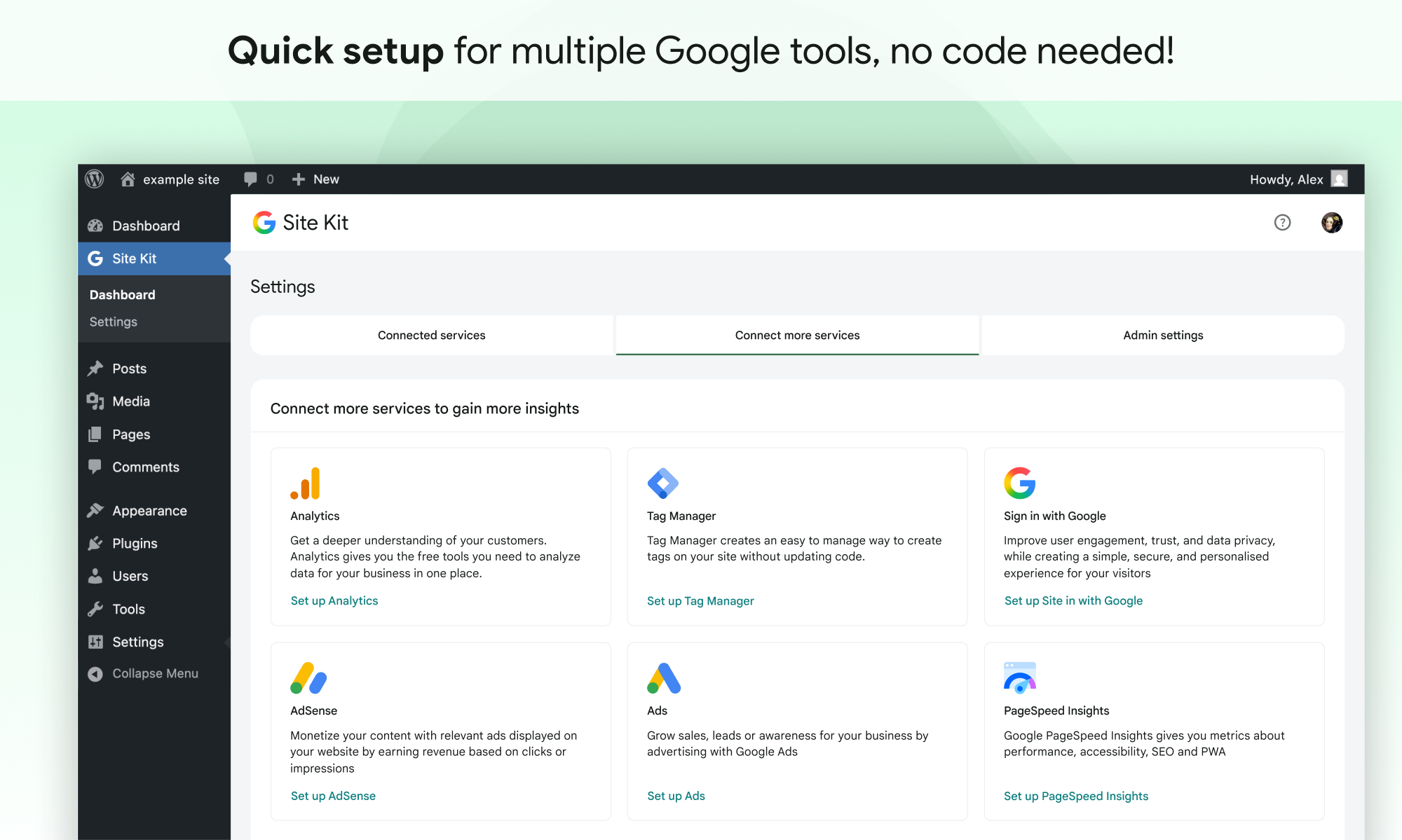
- Quick setup for multiple Google tools without having to edit the source code of your site
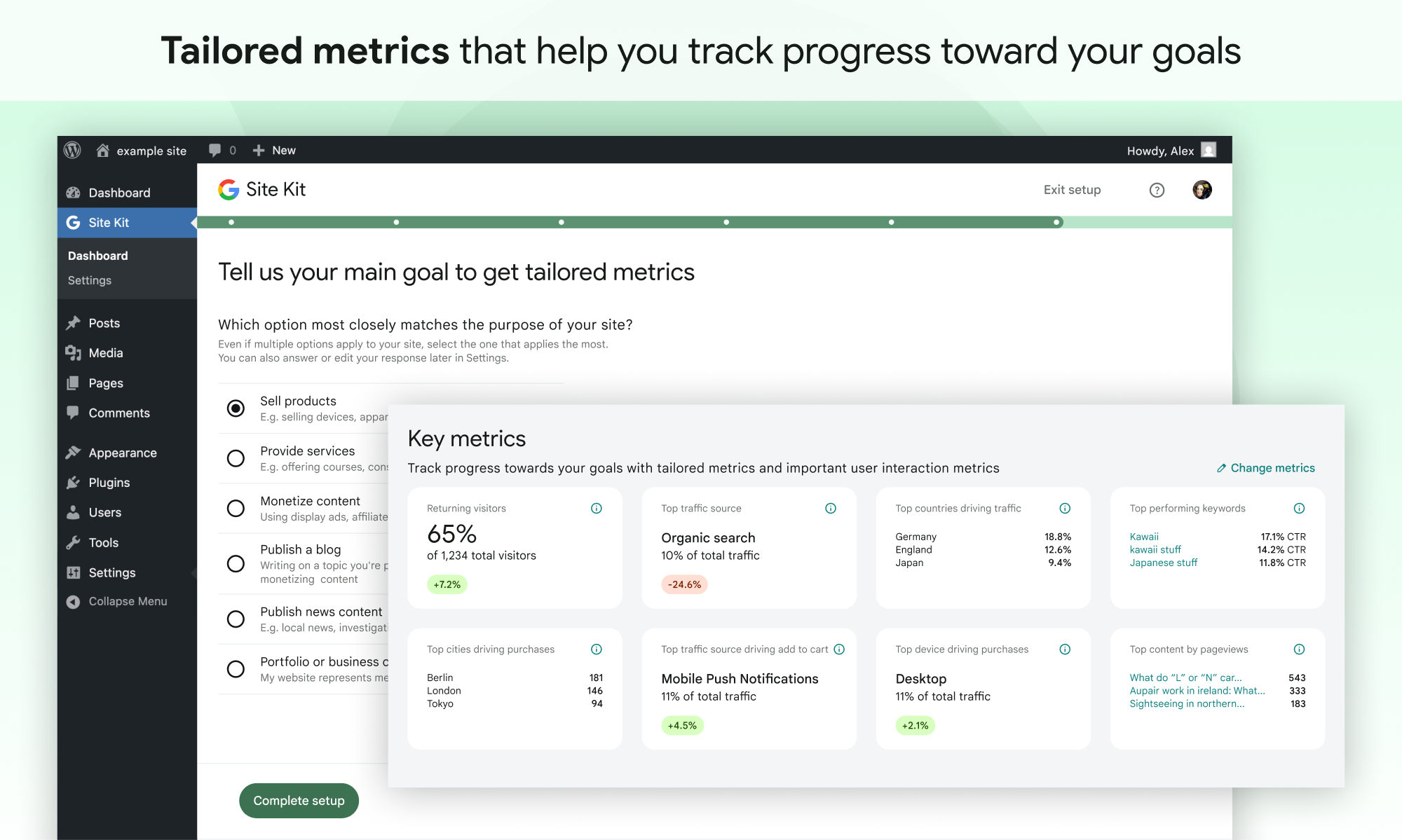
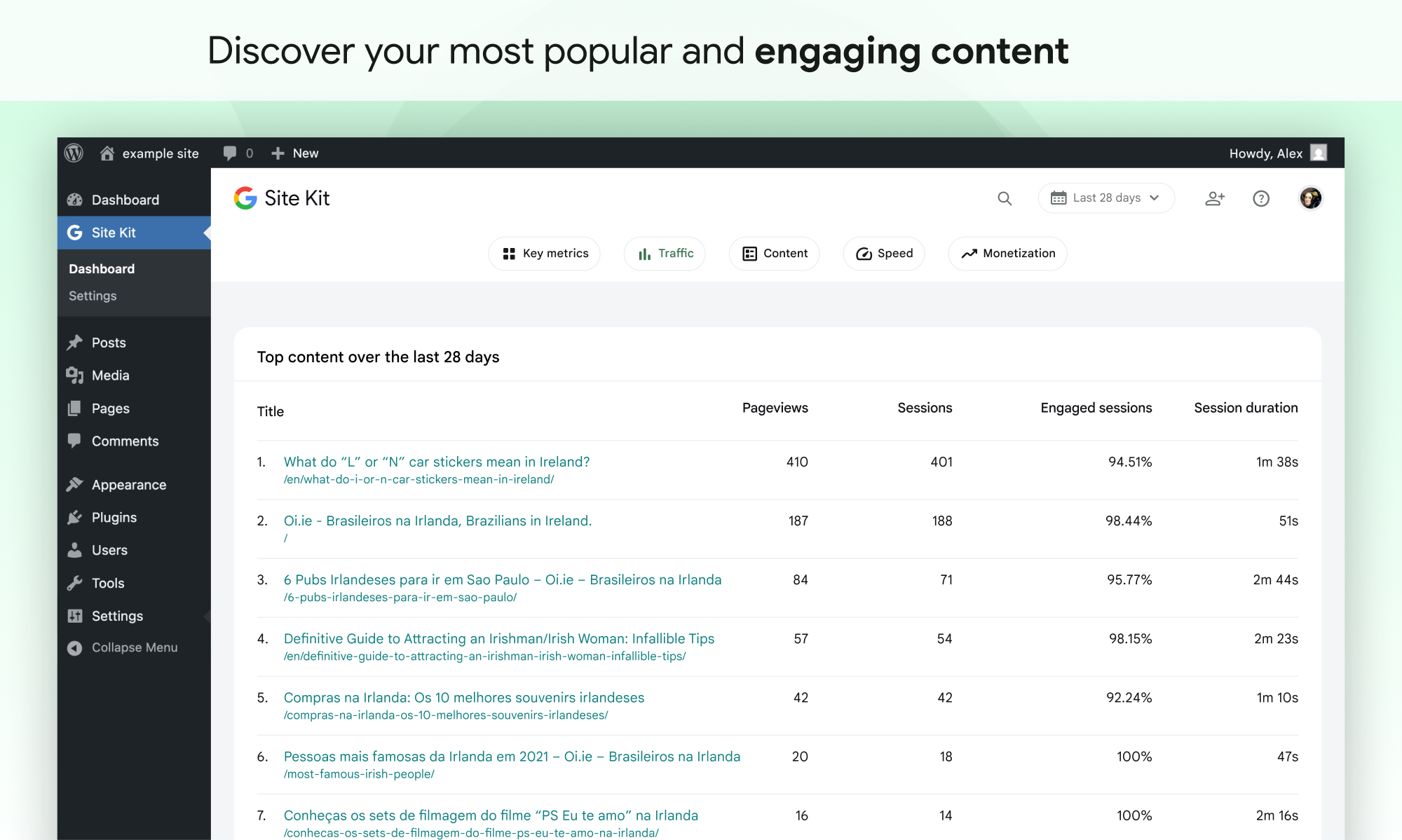
- Metrics for your entire site and for individual posts
- Einfach zu verwaltende, granulare Berechtigungen für WordPress und verschiedene Google-Produkte
Unterstützte Google-Tools
Site Kit zeigt wichtige Metriken und Erkenntnisse aus verschiedenen Google-Produkten:
- Search Console: Understand how Google Search discovers and displays your pages in Google Search. Track how many people saw your site in Search results, and what query they used to search for your site.
- Analytics: Explore how users navigate your site and track goals you’ve set up for your users to complete.
- AdSense: Keep track of how much your site is earning you.
- PageSpeed Insights: See how your pages perform compared to other real-world sites. Improve performance with actionable tips from PageSpeed Insights.
- Tag Manager: Use Site Kit to easily set up Tag Manager- no code editing required. Then, manage your tags in Tag Manager.
- Sign in with Google: Allows visitors to sign up and log in to your site with their existing Google account.
- Reader Revenue Manager: Helps you grow, retain, and engage your site visitors via subscription, contribution, newsletters, surveys, and custom prompts.
- Ads: Get customers and sell more with targeted traffic from Google Ads.
Screenshots
Installation
Note: Make sure that your website is live. If your website isn’t live yet, Site Kit can’t show you any data. However, if you have a staging environment in addition to your production site, Site Kit can display data from your production site in the staging environment. Learn how to use Site Kit with a staging environment.
Installation innerhalb von WordPress
- Gehe zu Plugins > Plugin hinzufügen.
- Suche nach Site Kit by Google.
- Installiere und aktiviere das Site Kit by Google Plugin
- Connect Site Kit to your Google account. If there are multiple WordPress admins, keep in mind that each admin must connect their own Google account in order to access the plugin.
Manuelle Installation
- Lade den Ordner
google-site-kitin dein Verzeichnis/wp-content/plugins/hoch. - Rufe Plugins auf.
- Aktiviere das Site Kit by Google Plugin
- Connect Site Kit to your Google account. If there are multiple WordPress admins, keep in mind that each admin must connect their own Google account in order to access the plugin.
Nach der Aktivierung
- Öffne den neuen Site Kit Menüpunkt.
- Folge den Schritten im Installationsprozess.
- Go to the main Site Kit dashboard which already displays key metrics from Search Console.
- Connect additional Google tools under Site Kit > Settings. Learn more about which tools are right for you.
FAQ
Für weitere Informationen, besuche die offizielle Site Kit Website.
-
Ist Site Kit kostenlos?
-
Das Site Kit Plugin ist kostenlos und open source und wird es auch bleiben. Individuelle Google-Produkte integriert in Site Kit unterliegen deren individuellen Richtlinien und Gebühren.
-
Was sind die Mindestanforderungen für Site Kit?
-
In order to successfully install and use Site Kit, your site must meet the following requirements:
- WordPress-Version 5.2 oder höher
- PHP-Version 7.4 oder höher
- Moderner Browser – Internet Explorer wird nicht unterstützt
- Ist öffentlich zugänglich – es ist nicht im Wartungsmodus, nur über ein Passwort zugänglich oder anderweitig gesperrt
- REST API is available – Site Kit must be able to communicate via REST API with Google services. To ensure that the REST API is available for your site, go to Tools > Site Health.
-
Why is my dashboard showing “gathering data” and none of my service data?
-
It can take a few days after connecting Site Kit to a Google service for data to begin to display in your dashboard. The “gathering data” message typically appears when you’ve recently set up a Google service (i.e. just created a new Analytics account) and/or your site is new, and data is not yet available for display.
Wenn du diese Meldung nach ein paar Tagen immer noch siehst, kannst du dich gerne im Supportforum mit uns in Verbindung setzen.
-
Warum werden auf meiner Website keine Anzeigen geschaltet, nachdem ich AdSense verbunden habe?
-
If you’re new to AdSense when you connect via Site Kit, your new AdSense account and your site will need to be manually reviewed and approved for ads by the AdSense team. Ads will not display until your account and site have been approved. Check out this guide for more information about the approval process and timeline.
You can check your approval status in Site Kit by going to Settings > Connected Services > AdSense and clicking Check your site status. This link will direct you to AdSense. If you see “Ready,” your account and site have been approved and should be displaying ads. If you see “Getting ready…,” your account and site are still under review and your site will not display ads until they have been approved.
If Site Kit has successfully added the AdSense snippet to your site and your account and site have been approved, but your site is still not showing ads, contact the AdSense Help Center for assistance.
You can find more information on how Site Kit works with AdSense in our Managing AdSense guide.
-
Ist Site Kit DSGVO-konform?
-
When using Site Kit, site owners are responsible for managing notice and consent requirements – including GDPR requirements – as described in Google’s Terms of Service.
Standardmäßig anonymisiert Site Kit die IP-Adressen bei der Aktivierung des Google-Analytics-Moduls. Diese Einstellung kann unter Site Kit > Einstellungen > Analytics > IP-Adressen anonymisieren deaktiviert werden.
There are a number of third-party plugins that allow you to block Google Analytics, Tag Manager, or AdSense from capturing data until a visitor to the site consents. Some of these work natively with Site Kit by providing plugin-specific configurations. You can find out more about these by visiting our GDPR compliance and privacy page.
-
Wo kann ich zusätzliche Unterstützung erhalten?
-
Please create a new topic on our WordPress.org support forum. Be sure to follow the support forum guidelines when posting.
Rezensionen


Mitwirkende und Entwickler
„Site Kit by Google – Analytics, Search Console, AdSense, Speed“ ist Open-Source-Software. Folgende Menschen haben an diesem Plugin mitgewirkt:
Mitwirkende
„Site Kit by Google – Analytics, Search Console, AdSense, Speed“ wurde in 32 Sprachen übersetzt. Danke an die Übersetzer für ihre Mitwirkung.
Übersetze „Site Kit by Google – Analytics, Search Console, AdSense, Speed“ in deine Sprache.
Interessiert an der Entwicklung?
Durchstöbere den Code, sieh dir das SVN-Repository an oder abonniere das Entwicklungsprotokoll per RSS.
Änderungsprotokoll
1.188.0
Erweitert
- Move Easy Digital Downloads currency lookup into the event provider. See #13603.
- Add the
adsConversionTrackingIntentfeature flag. See #13463. - Show Site Goals groups consistently between email reports and dashboard. See #13461.
- Add key action event chart to Site Goals widgets. See #13419.
- Add the traffic breakdown columns to the new Traffic Overview widget. See #13410.
- Add total visitors information to the new traffic overview widget. See #13408.
- Add the new Traffic Overview widget when the feature is enabled. See #13407.
- Add Site Goals key metric tiles for „Selling products“. See #13404.
- Build the
FeatureCardandEffortIndicatorcomponents for the upcoming Feature Discovery Hub, and present them in Storybook. See #13320. - Add the
outbound_link_clickevent tracking. See #13291. - Add link tracking to contact links. See #13290.
- Add the feature discovery hub page shell with hero, tab navigation, and deep-linkable routes. See #13248.
- Register the feature catalog for the Feature Discovery Hub. See #13247.
- Add the feature discovery newness model and selectors for determining which features are new to a user. See #13246.
- Add online store and lead generation Site Goals sections to the PDF report. See #13206.
- Populate Reader Revenue Manager
organizationIDandconfiguredCTAssettings during publication sync. See #13057. - Update the Reader Revenue Manager settings screens to display the configured CTAs for the connected publication. See #13031.
- Add the newsletter sign-up form setup step to the Reader Revenue Manager express setup flow. See #13027.
- Add the publication policies step to the Reader Revenue Manager Express setup flow. See #13024.
- Add the Terms of Service step to the Reader Revenue Manager express setup flow. See #13023.
- Implement the Reader Revenue Manager express setup step to create a new publication. See #13022.
- Add Site Goals sections at the top of the email report. See #13014.
- Allow core dashboard effects to be registered for the main or entity dashboard. See #11712.
- Refactor the WooCommerce redirect modal to simplify its implementation. Props vivekjm. See #10832.
- Improve layout of data on SK admin bar on smaller viewports. See #8089.