

Beschreibung
PlexRate – Smart Star Ratings lets your visitors rate anything on your website: a page, a post, a product, a service, a recipe or any section of a page. Drop a shortcode where you want the rating to appear. It works in Elementor, Gutenberg, WPBakery, Divi and the classic editor, because it is a plain WordPress shortcode.
The plugin also outputs AggregateRating structured data (JSON-LD) so your rating can be eligible for Google review stars in search results. Google decides whether to show them (see the FAQ).
Main features
- One shortcode for everything:
[plexrate]works on any page, post or custom post type. - Independent ratings on one page: give each rating its own
idand its votes stay separate. - Optional text reviews: a separate
[plexrate_review]shortcode adds a feedback box next to the stars.[plexrate]alone never shows it. - Reviews list:
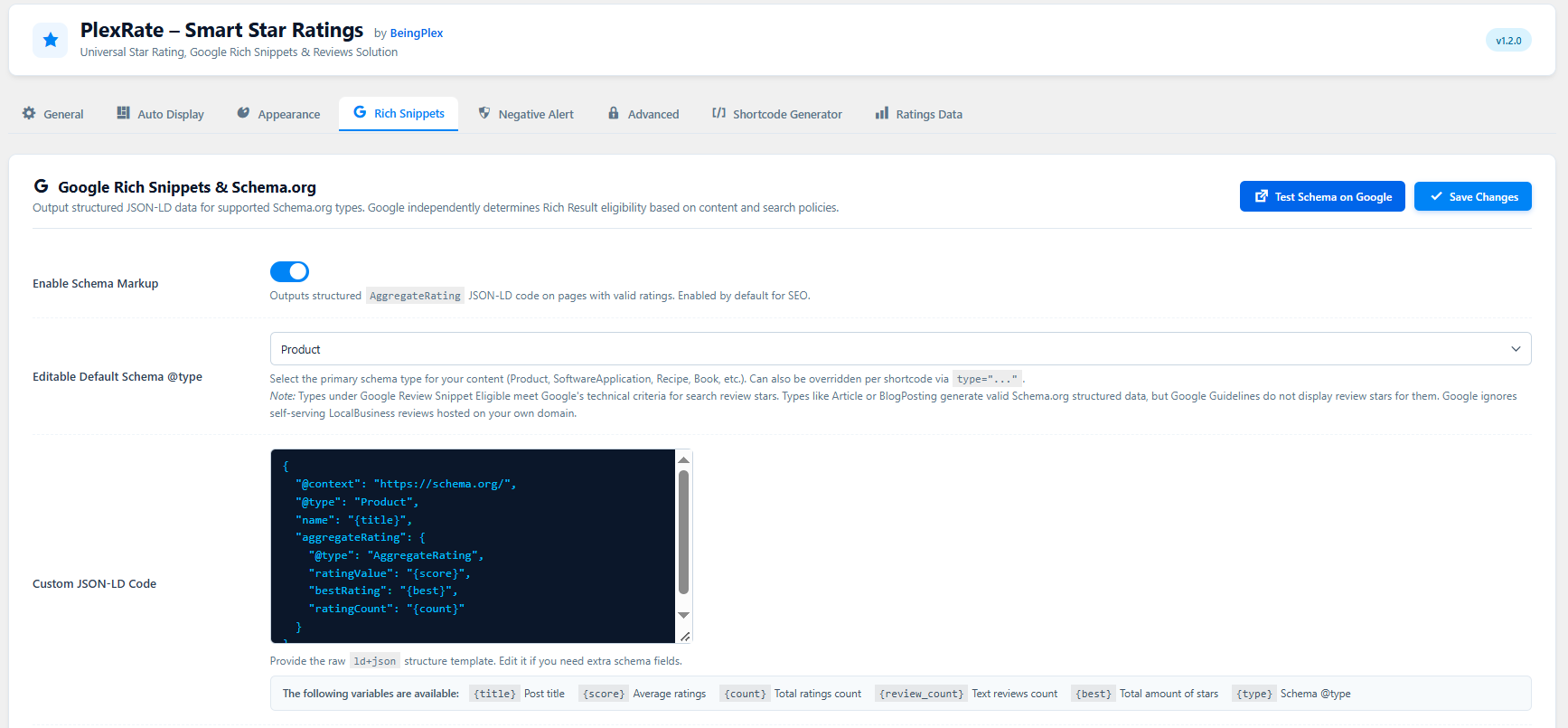
[plexrate_reviews]shows visitor reviews in a card grid. - Google Rich Snippets (JSON-LD): 14 schema types with a ready-made template for each, and an editable template box if you need extra fields.
- Schema only with real votes: structured data is output only when at least one vote exists, never as a placeholder.
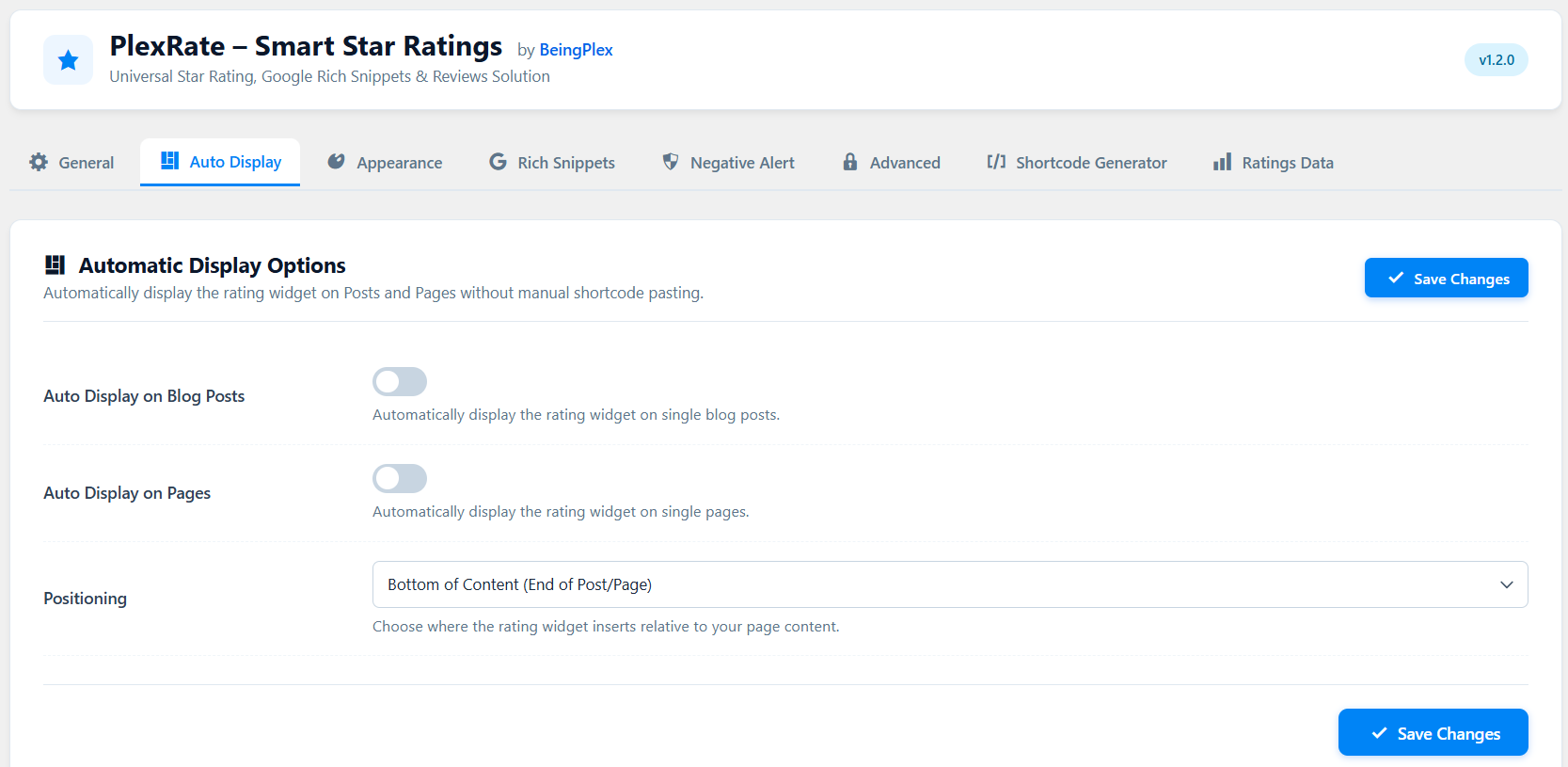
- Automatic display: optionally add the rating at the top or bottom of every post and/or page, and skip individual posts with a checkbox in the editor.
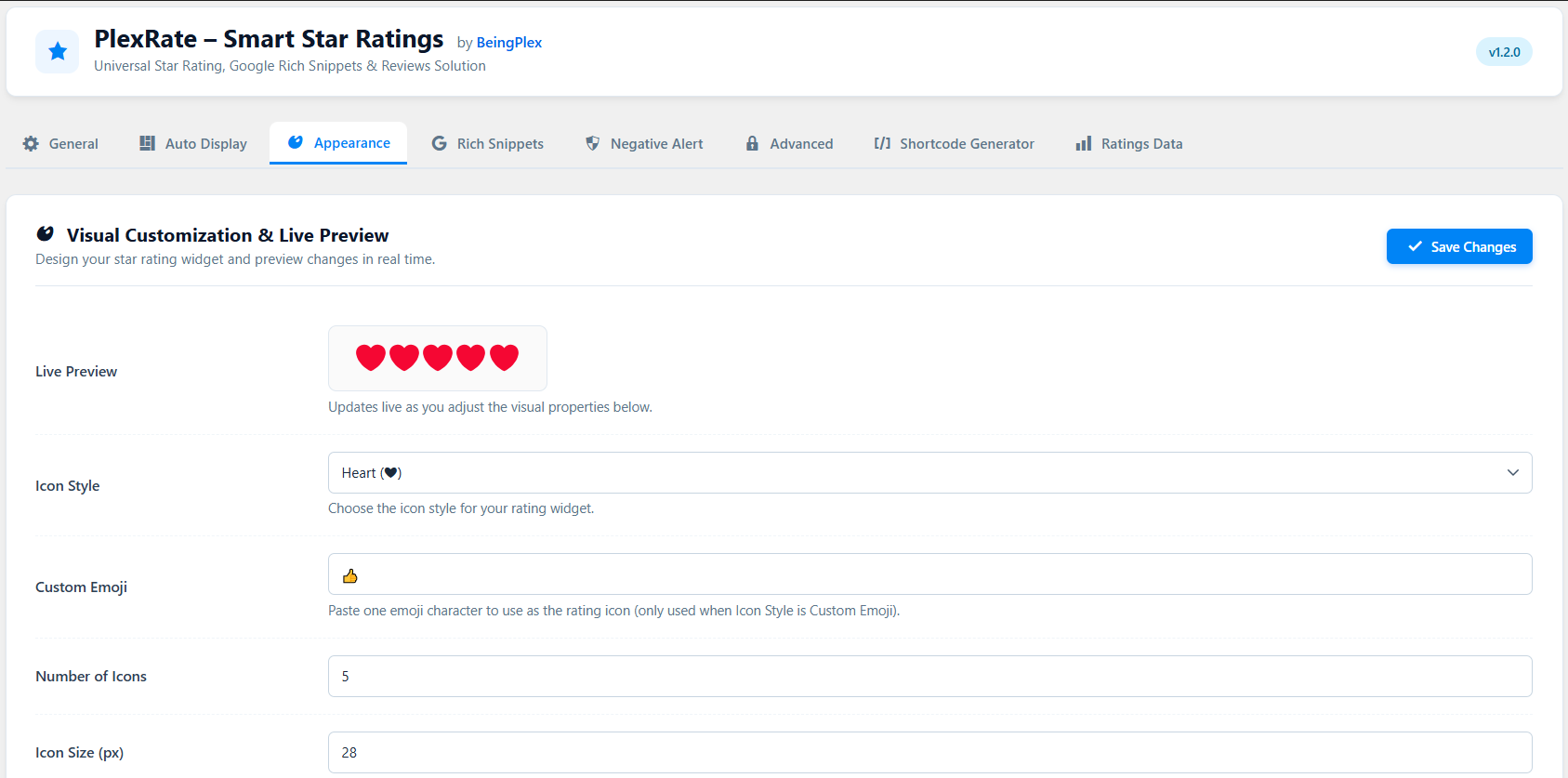
- Icon styles: star, heart, thumb or any custom emoji, with live preview, size, gap, colours, alignment and RTL support.
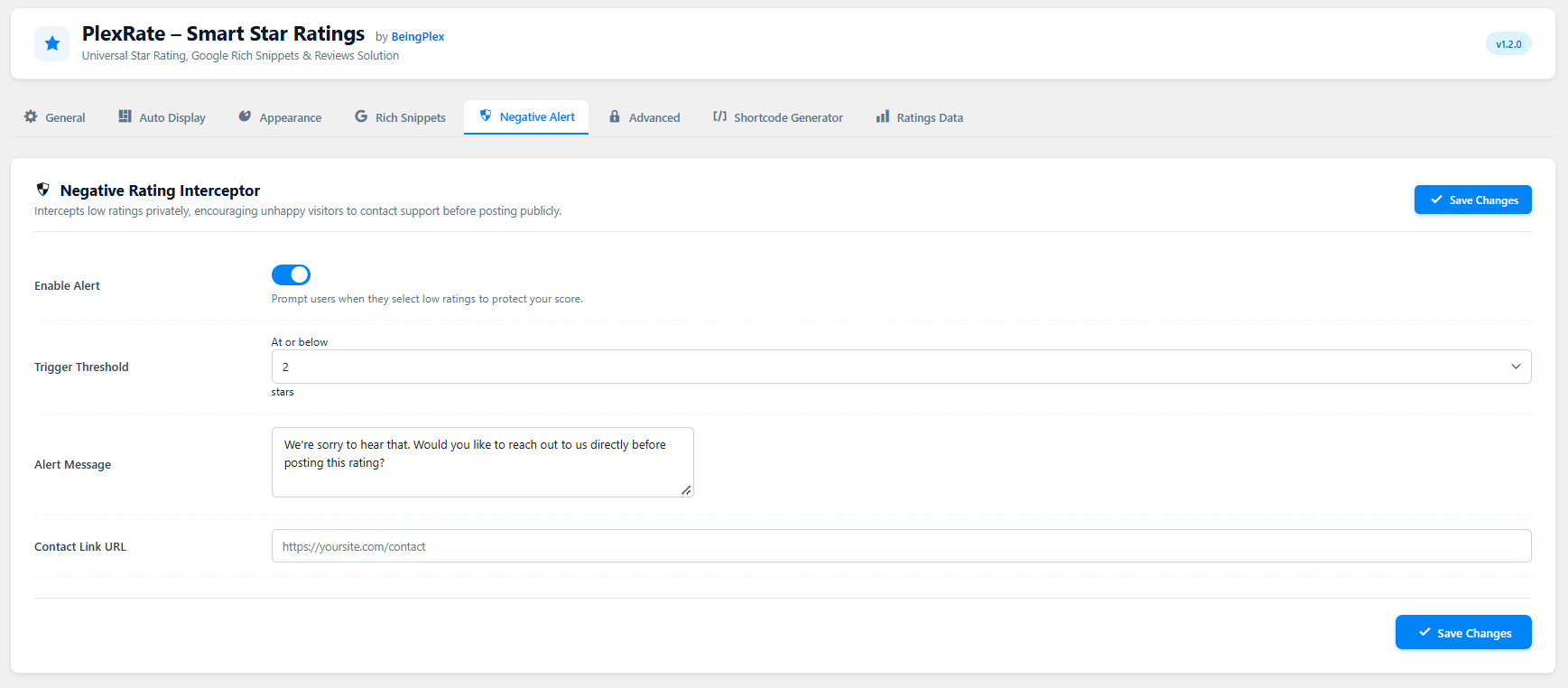
- Negative Rating Alert: when someone picks a low rating, they see a message and a contact link first, so they can reach you before posting it. They can still submit anyway.
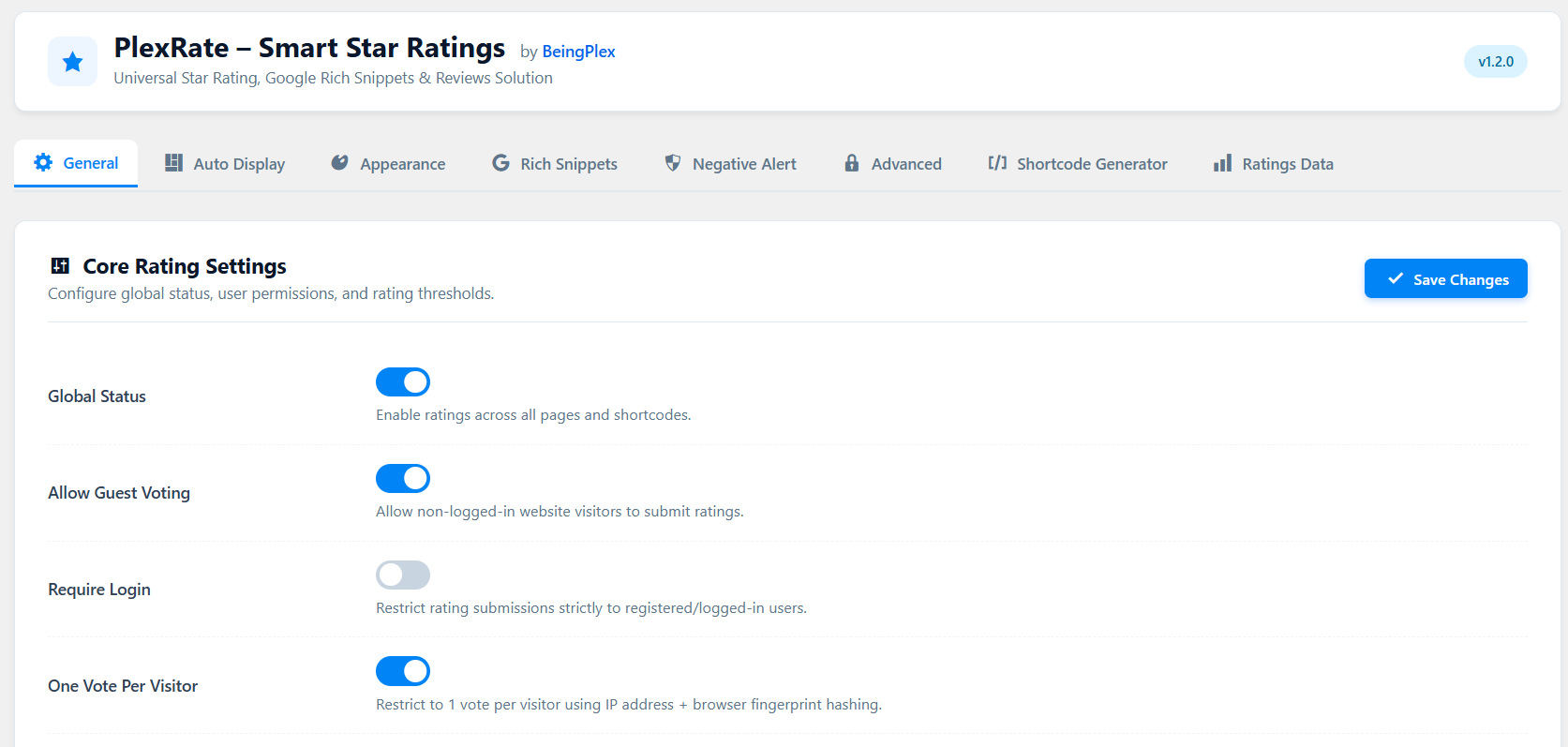
- Anti-spam protection: honeypot field, per-IP hourly rate limit, nonce checks and one vote per visitor.
- Works behind Cloudflare: the real visitor IP is read from the Cloudflare header, and the forwarded-for header is trusted only when the request really comes from Cloudflare’s published IP ranges.
- Guest or logged-in voting: allow everyone, or require login.
- Minimum votes before display: hide the average (and the schema) until enough votes are in.
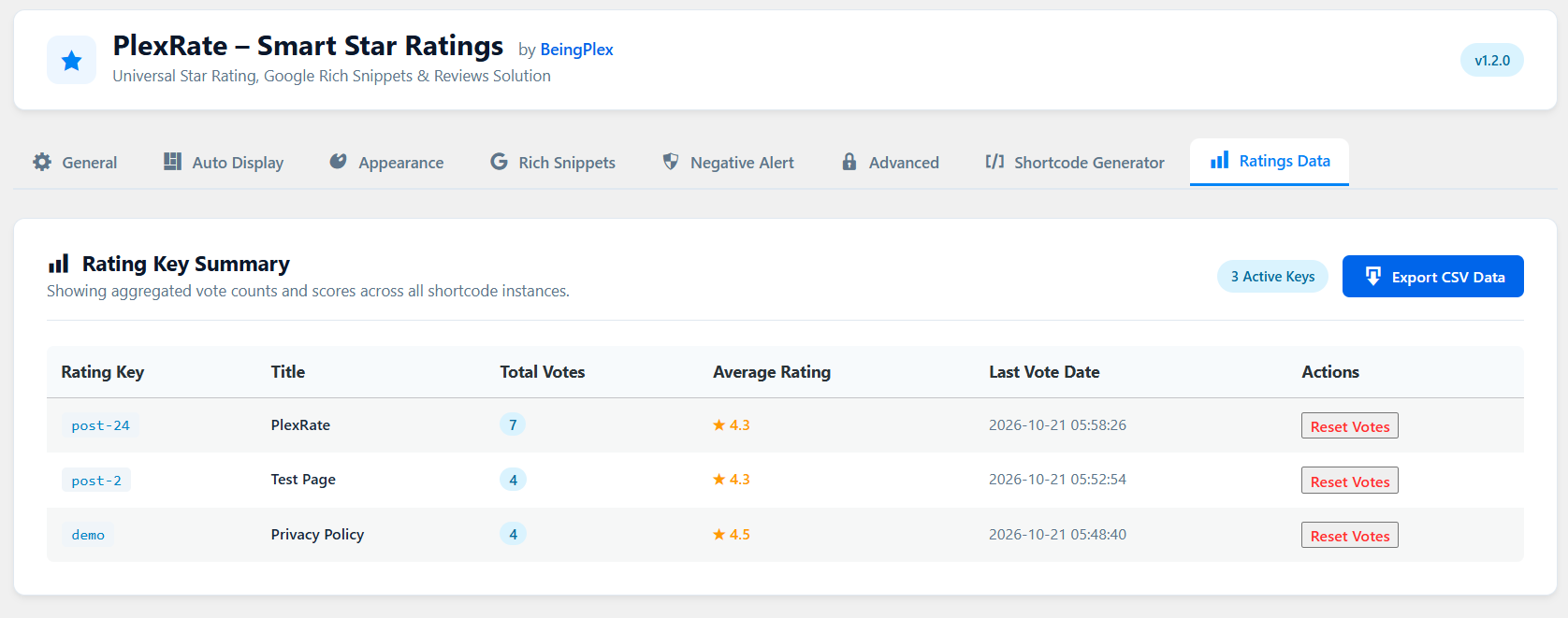
- Ratings Data screen: see every rating, export all votes to CSV and reset the votes of a single rating.
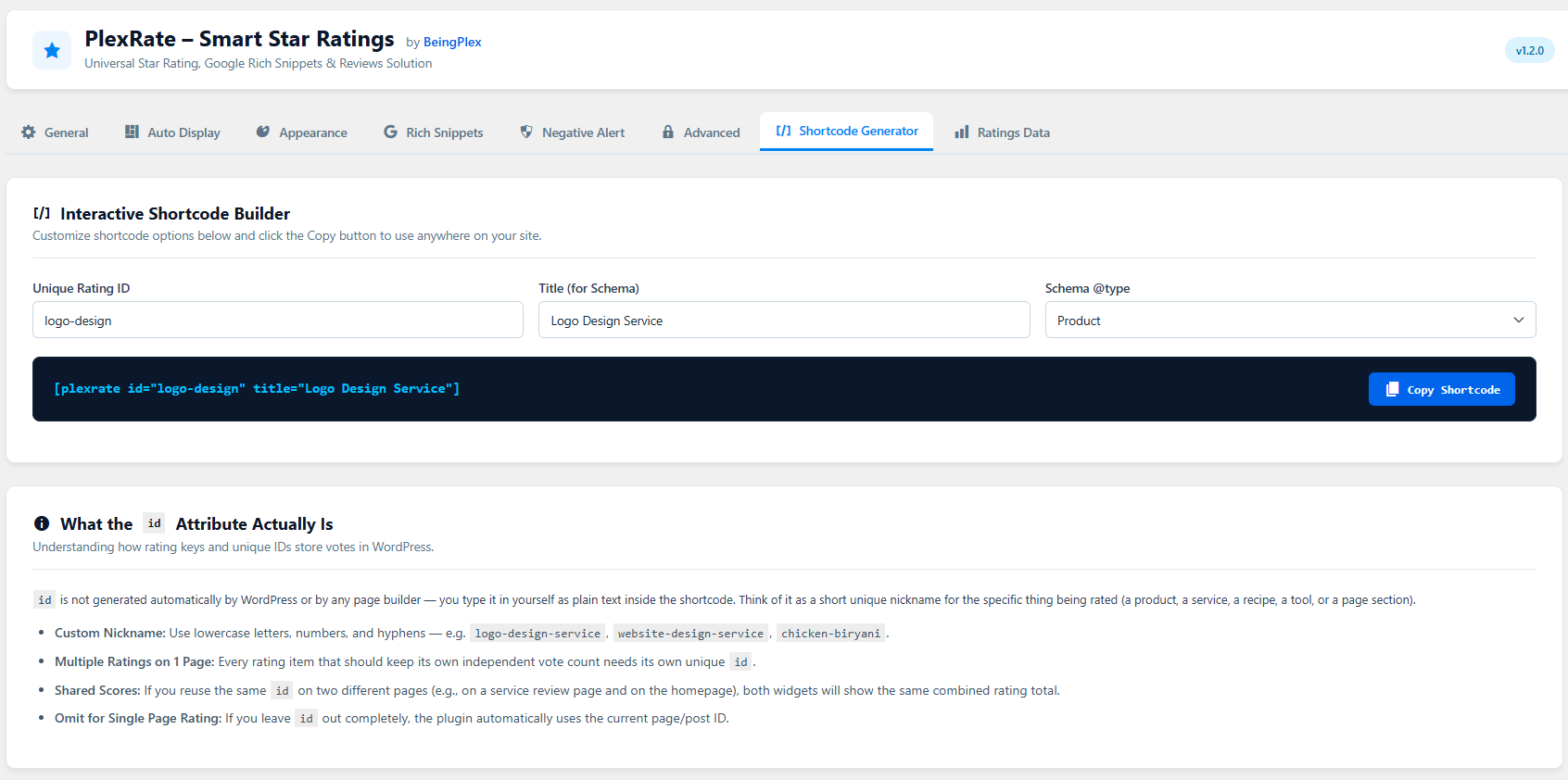
- Shortcode builder: build and copy shortcodes from the settings page.
- Translation ready: all strings use the
plexrate-smart-star-ratingstext domain.
Shortcodes
Basic rating
[plexrate]
By default the rating is tied to the current page or post.
Independent ratings (give each its own id)
[plexrate id="logo-design" title="Logo Design Service"]
[plexrate id="web-design" title="Web Design Service"]
Rating with a review box
[plexrate_review id="logo-design"]
The same id shares the same votes, so the stars and the review box can sit in different places.
Show visitor reviews
[plexrate_reviews id="logo-design" limit="6"]
Attributes for [plexrate] and [plexrate_review] (all optional)
id: your own short name for the rating. Letters, numbers and hyphens.title: the name used in the schema markup. Defaults to the page title.type: schema type, for exampleProduct,Recipe,SoftwareApplication.shape:star,heart,thumboremoji.size: icon size in pixels.color: colour of the filled icons, for example#f5a623.count: number of icons (cannot exceed the setting).align:left,centerorright.
Privacy and data storage
PlexRate – Smart Star Ratings stores data in two custom database tables on your own site:
- For each vote: the rating, the rating
id, the date, the visitor’s IP address, a hashed fingerprint (a one-way hash of the IP address, the browser user agent and a site-specific salt) and, if you enable text reviews, the review text the visitor typed. - For rate limiting: the visitor’s IP address and the time of each vote attempt.
The hashed fingerprint is used to allow one vote per visitor. IP addresses are used for spam protection. No data is sent to any external service or to the plugin authors. The settings page contains a link to Google’s Rich Results Test; it only opens Google’s website when you click it.
Because IP addresses can count as personal data in some countries, please mention this in your site’s privacy policy. You can delete the stored votes of any rating from the Ratings Data screen. If you turn on On Uninstall in the Advanced tab, all plugin tables and settings are removed when the plugin is deleted.
Screenshots

Installation
- Upload the
plexrate-smart-star-ratingsfolder to/wp-content/plugins/, or install the plugin from the Plugins > Add New screen. - Activate the plugin through the Plugins screen.
- Open PlexRate in the admin menu to review the settings. The defaults work out of the box.
- Add
[plexrate]to any page, post or page-builder section.
In Elementor use the Shortcode widget. In the block editor use the Shortcode block. In the classic editor paste the shortcode on its own line.
FAQ
-
What is the id attribute?
-
It is a short name you type yourself, for example
id="logo-design". WordPress and page builders do not create it. Each rating that should keep its own votes needs its own id. If you use the same id in two places, both show the same combined score. If you leave the id out, the plugin uses the current page or post. -
Will Google show stars in search results?
-
The plugin outputs valid structured data, but Google alone decides whether review stars appear. Valid markup does not guarantee them. Test your page with Google’s Rich Results Test (there is a button in the Rich Snippets tab) and check Google’s review snippet guidelines.
-
Which schema types can show review stars?
-
Google supports review snippets only for specific types, such as Product, Recipe, Course, Book, Event, Movie and SoftwareApplication. Types like Article and BlogPosting produce valid markup, but Google does not show review stars for them. The Rich Snippets tab groups the types so you can see this.
-
Why are LocalBusiness stars not showing even though the test says valid?
-
Google ignores self-serving reviews. If a business collects reviews about itself on its own website and marks them up as LocalBusiness or Organization, Google does not show those stars. This is a Google policy, not a plugin problem.
-
Can I use more than one rating on the same page?
-
Yes. Give each shortcode a different
id. -
How do I show the review box?
-
Use
[plexrate_review]and turn on Allow Text Reviews in the General settings. If that setting is off,[plexrate_review]shows nothing.[plexrate]never shows a review box. -
Can I add the rating automatically to every post?
-
Yes. Open the Auto Display tab and choose posts, pages or both, and top or bottom of the content. To exclude one post or page, tick Skip automatic rating in its editor sidebar. Manual shortcodes always work.
-
Can the same visitor vote more than once?
-
By default no. One vote per visitor is based on a hash of the IP address and browser. If you switch One Vote Per Visitor off, a visitor can add several votes. Visitors who share an IP address and the same browser type may be counted as one visitor.
-
Does it work with caching plugins?
-
Votes are sent with AJAX. If a page cache serves an old copy of the page, the displayed average can lag until the cache is cleared.
-
Does it work with Cloudflare?
-
Yes. The visitor’s real IP is read from the Cloudflare header. The forwarded-for header is used only when the request comes from a Cloudflare IP range.
-
Can I change the schema output?
-
Yes. In the Rich Snippets tab you can edit the JSON-LD template. Available variables are
{title},{score},{count},{review_count},{best}and{type}. Invalid JSON is not saved, and the previous valid template is kept. -
Why does the JSON-LD template contain example values?
-
Some schema types need extra fields before Google can use them, for example an address for LocalBusiness or ingredients for Recipe. The template fills these with example values so the markup is complete. Replace them with your real details in the Custom JSON-LD Code box before publishing. Do not publish example values. The template is used for all ratings on your site.
-
How do I export the votes?
-
Go to PlexRate > Ratings Data and use the CSV export button.
-
What happens to my data when I delete the plugin?
-
Nothing is deleted by default. Turn on On Uninstall in the Advanced tab if you want all tables and settings removed.
Rezensionen
Zu diesem Plugin liegen noch keine Rezensionen vor.
Mitwirkende und Entwickler
„PlexRate – Smart Star Ratings“ ist Open-Source-Software. Folgende Menschen haben an diesem Plugin mitgewirkt:
Mitwirkende

Übersetze „PlexRate – Smart Star Ratings“ in deine Sprache.
Interessiert an der Entwicklung?
Durchstöbere den Code, sieh dir das SVN-Repository an oder abonniere das Entwicklungsprotokoll per RSS.
Änderungsprotokoll
1.2.0
- Initial public release.