

Beschreibung
When you’re showing grouped content in rows (e.g. blog posts, products, feature sets), it’s almost inevitable that variations in content lengths will throw off your layout.
SoulMatch helps you equalize the heights of your elements so that everything hangs together nicely, even when the page is resized. Simply provide a CSS selector (class, id, etc.) and the plugin will do the rest.
Screenshots
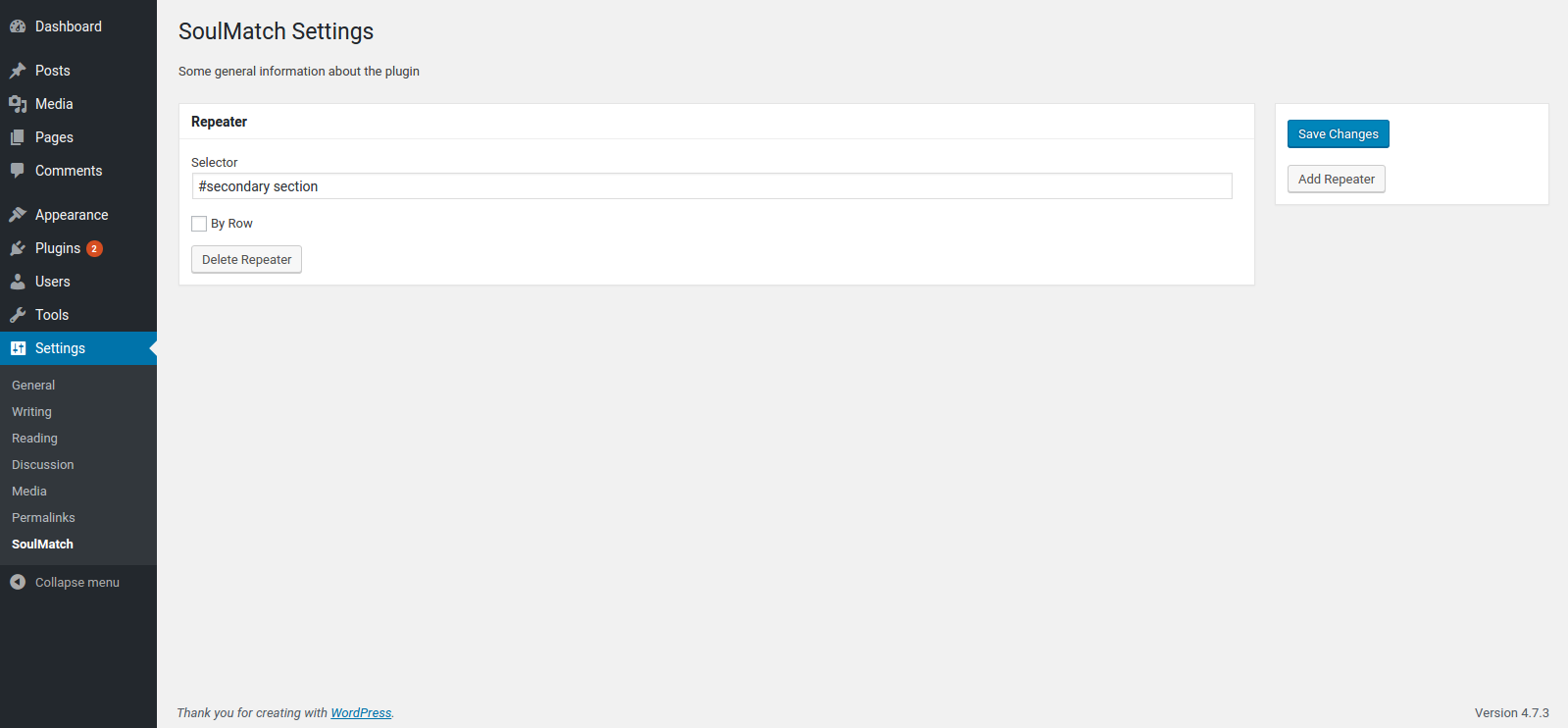
Settings page
Installation
- Upload the plugin files to the
/wp-content/plugins/soulmatchdirectory, or install the plugin through the WordPress plugins screen directly. - Activate the plugin through the ‚Plugins‘ screen in WordPress
- Use the
Settings -> SoulMatchscreen to configure the plugin
FAQ
- Installation Instructions
-
- Upload the plugin files to the
/wp-content/plugins/soulmatchdirectory, or install the plugin through the WordPress plugins screen directly. - Activate the plugin through the ‚Plugins‘ screen in WordPress
- Use the
Settings -> SoulMatchscreen to configure the plugin
- Upload the plugin files to the
- How do I make this plugin work?
-
Go to
WP Admin > Settings > SoulMatchand define CSS selectors for the elements you want to equalize.
Rezensionen
Für dieses Plugin gibt es keine Rezensionen.
Mitwirkende und Entwickler
„SoulMatch“ ist Open-Source-Software. Folgende Menschen haben an diesem Plugin mitgewirkt:
Mitwirkende

Übersetze „SoulMatch“ in deine Sprache.
Interessiert an der Entwicklung?
Durchstöbere den Code, sieh dir das SVN-Repository an oder abonniere das Entwicklungsprotokoll per RSS.
Änderungsprotokoll
0.1.1
- add .filter(‚:visible‘) for better matching
- add a hook to re-match on window resize event
0.1.0
- first version to be submitted to wordpress.org